
Shot Planning
Ad Storyboard Assets
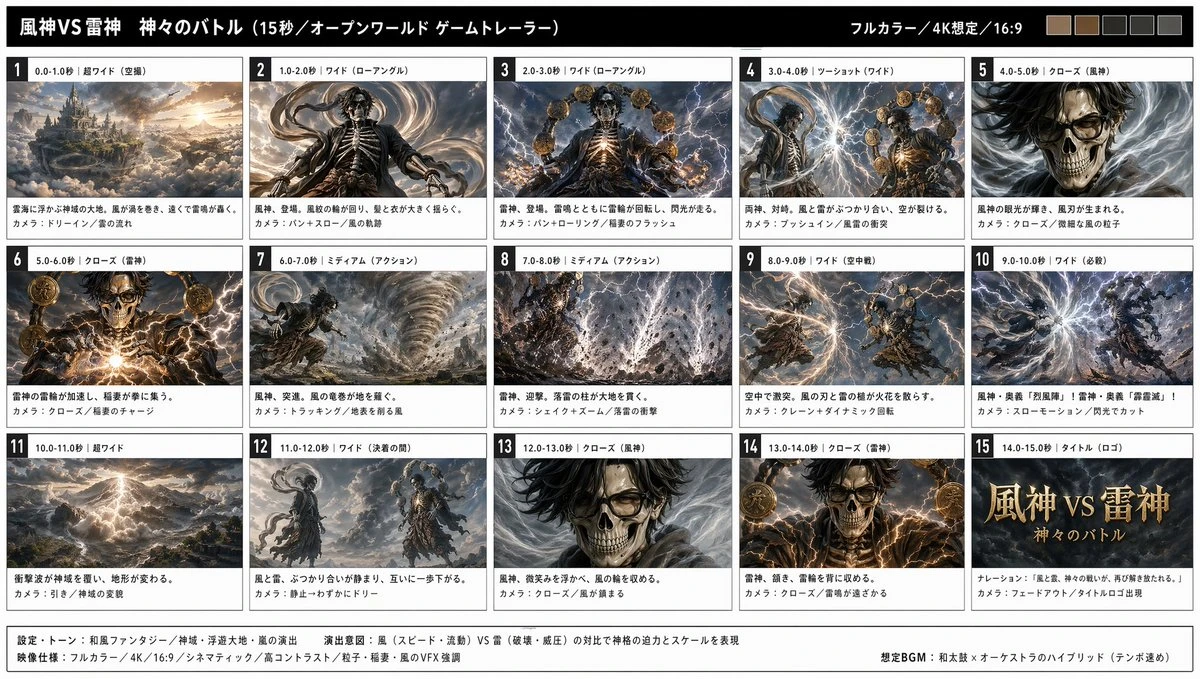
Map the campaign into six shots so action, framing, and pacing are easier to build on.
6-panel brand ad storyboard, 16:9, cinematic lighting, each panel labeled with shot intent.
Generate realistic visuals from a prompt or edit a reference while preserving the subject and composition. Build product shots, posters, headshots, storyboards, UI concepts, and campaign assets.
Sharper detail · Precise edits · Consistent references
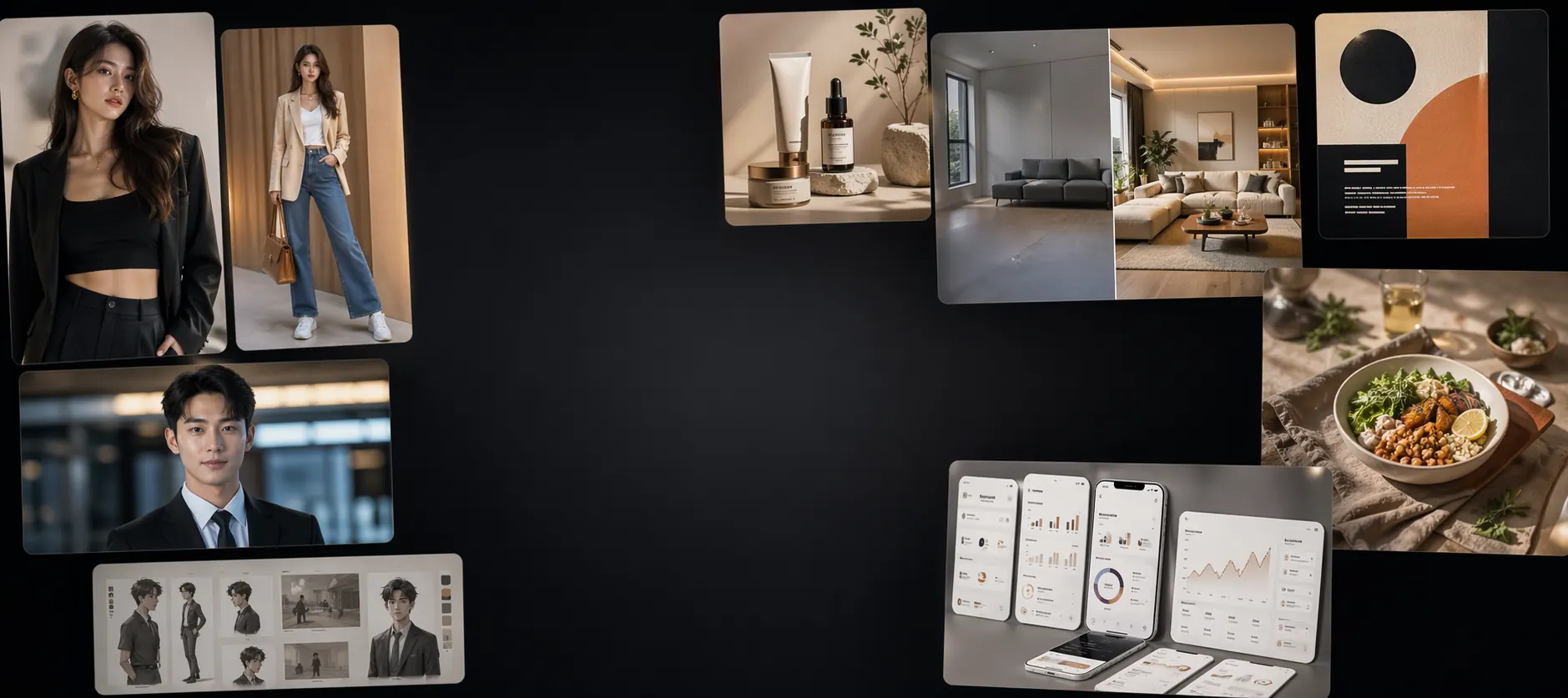
The latest image model with Flare and Sunburst modes.
Template Ideas
Use ready-made prompt frameworks for storyboards, character sheets, and campaign visuals. Swap in your subject and style, spend fewer tries, and get to a stronger first image faster.
Map the campaign into six shots so action, framing, and pacing are easier to build on.
6-panel brand ad storyboard, 16:9, cinematic lighting, each panel labeled with shot intent.
Lock the look first, then change poses or scenes without losing the character.
Character three-view sheet, clean background, consistent clothing details for animation reference.
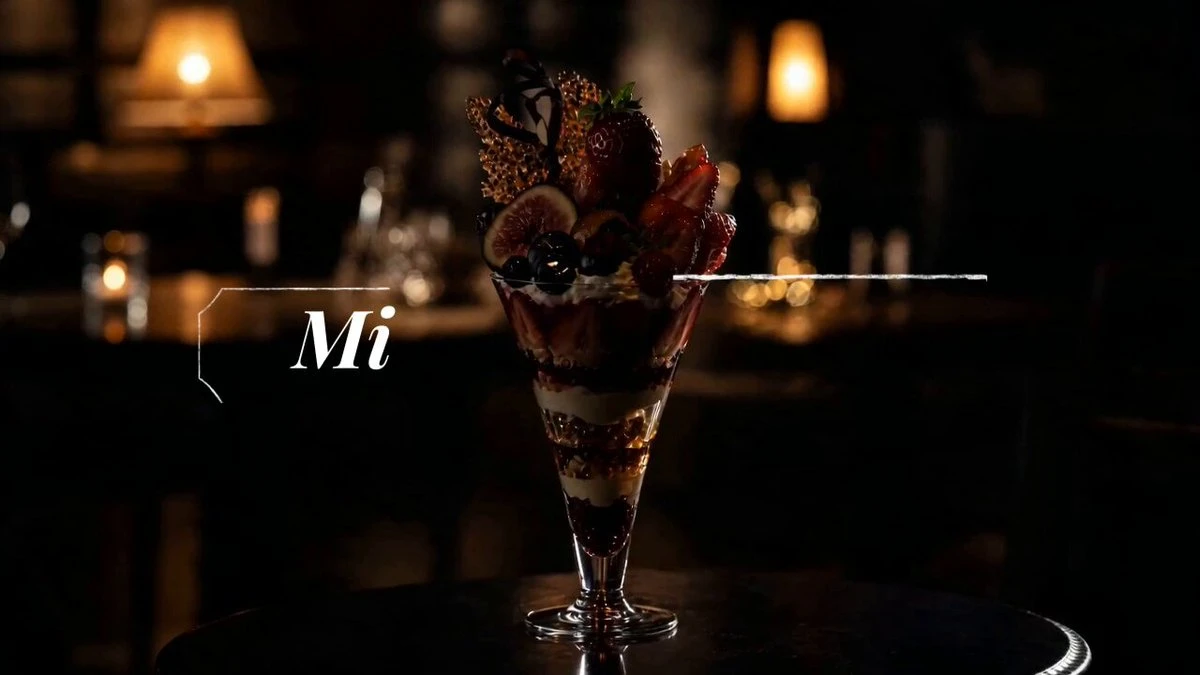
Create a strong hero visual first, then extend it into ads, covers, and short commercial shots.
Product centered, premium lighting, clean background, material detail and brand value emphasized.
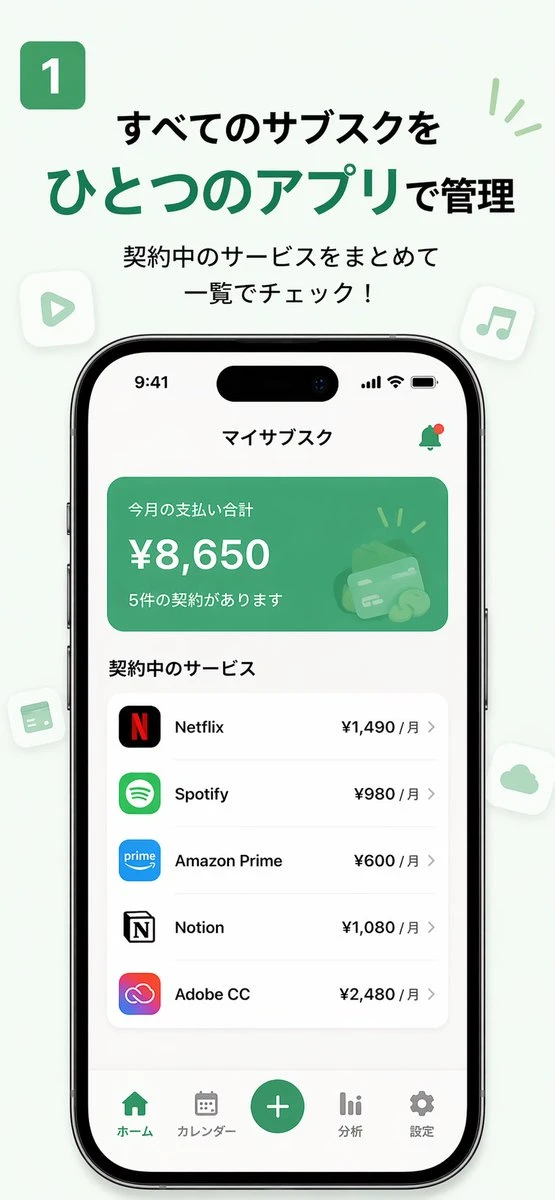
Generate a polished set of key screens for product demos, pitches, or motion drafts.
3 key app screens, consistent design system, ordered by a real user journey.
Use sharper detail, more precise edits, stronger subject preservation, and faster iteration to turn a creative brief into a useful visual asset.
Create LinkedIn portraits, creator profiles, speaker bios, and team photos with stable identity and a consistent camera feel.
Extend one solid product visual into white-background shots, material closeups, posters, and campaign assets without rebuilding from scratch.
For interiors, sticker styles, concept revisions, and redraws, keep the original visual relationship while changing style and details.
Start from a practical workflow: product photography and reusable prompt examples both lead directly into the generator.
Video usually breaks when source assets are unclear. Start with a stable storyboard, character, product visual, or UI screen, then camera motion and pacing are easier to control.
Best for brand ads, short narrative clips, and animated openings. Key frames give the video stage a real pacing and composition anchor.
Best for anime characters, avatars, and game IP. Lock the look first, then poses and scenes can change without losing the character.
Best for MVP demos, launch teasers, and product walkthroughs. A grouped set of key screens makes the final video feel like a real user flow.
Best for ecommerce, product launches, and short paid ads. Once the hero visual works, the rest of the shots can share the same polish.
Brand films start with storyboards. Character motion starts with character sheets. Product ads start with a hero visual.
Source Asset Spec Sheet
Lock the subject, ratio, relationship, and lighting first. Once the source assets are clear, video generation can focus on motion.
Handle them in the image stage and the video pass usually needs less repair.
When subject, background, and action all fight for attention, the video stage has a harder time deciding what should move.
Multiple competing subjects make camera focus and motion direction less stable.
Mixed framing and crops create jumpy transitions and more deformation in the video stage.
Shifting hair, outfits, or props from shot to shot weakens identity consistency in later motion generation.
Complex reflections and cluttered environments make logos, edges, and materials easier to distort.
A product demo falls apart when the screenshot sequence does not tell a coherent task flow.
Answers to the questions people are asking in Google and early GPT Image 2.5 discussions about access, speed, quality, editing, templates, limits, and pricing.